
Hipobuy Spreadsheet Accessories — Belts, Small Leather & Add-ons
Hipobuy spreadsheet accessories anchored on belts and small leather goods—confirm buckle style, length, and leather finish on the live page before you paste into Hipobuy.
Preview picks
Browse all Accessories in catalog ↗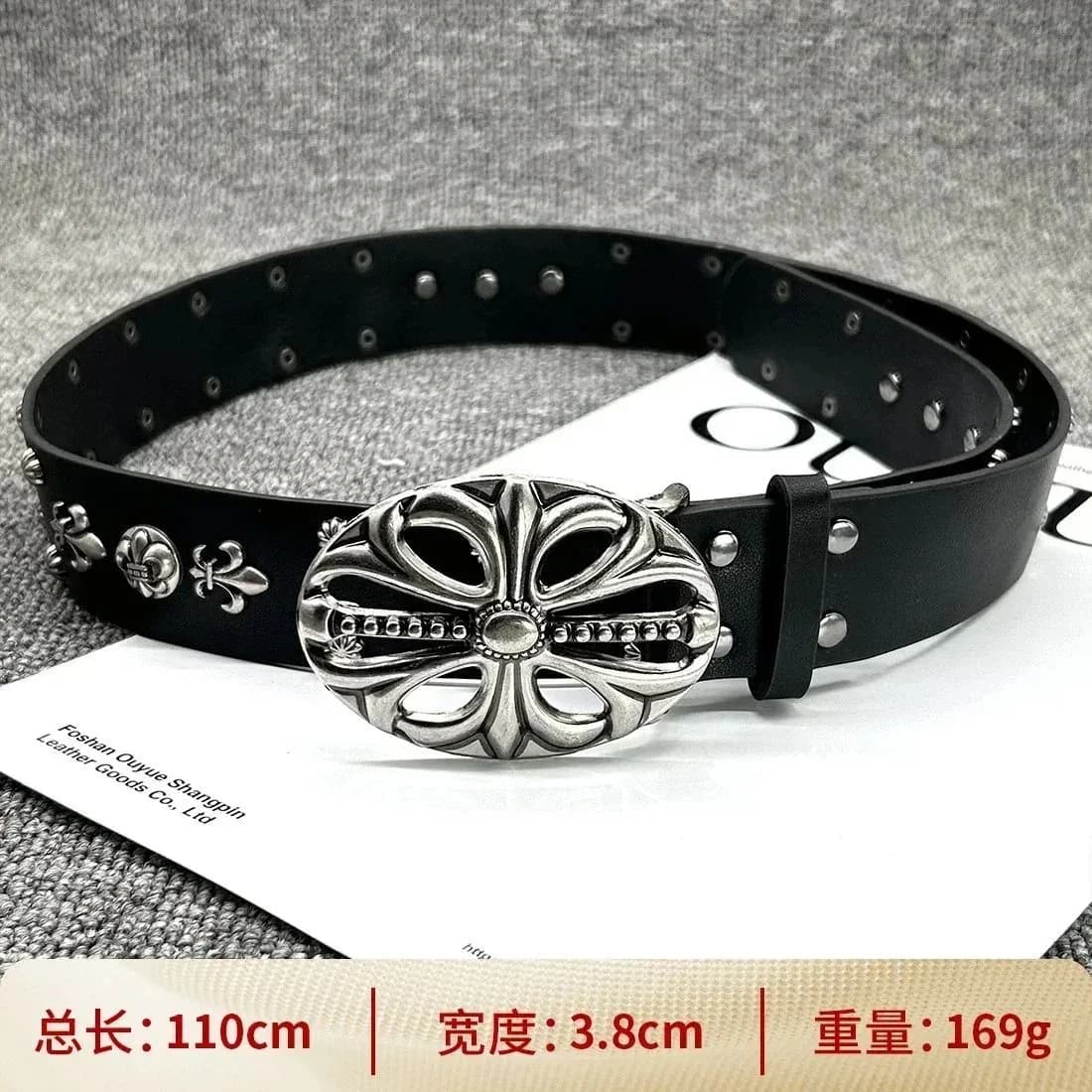
Chrome Hearts
Chrome Hearts Floral Belt Black Leather
Louis Vuitton
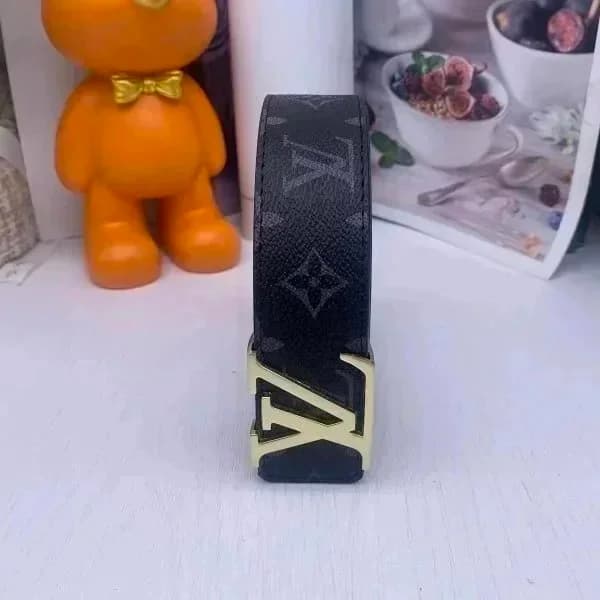
Louis Vuitton Monogram Belt
Salvatore Ferragamo
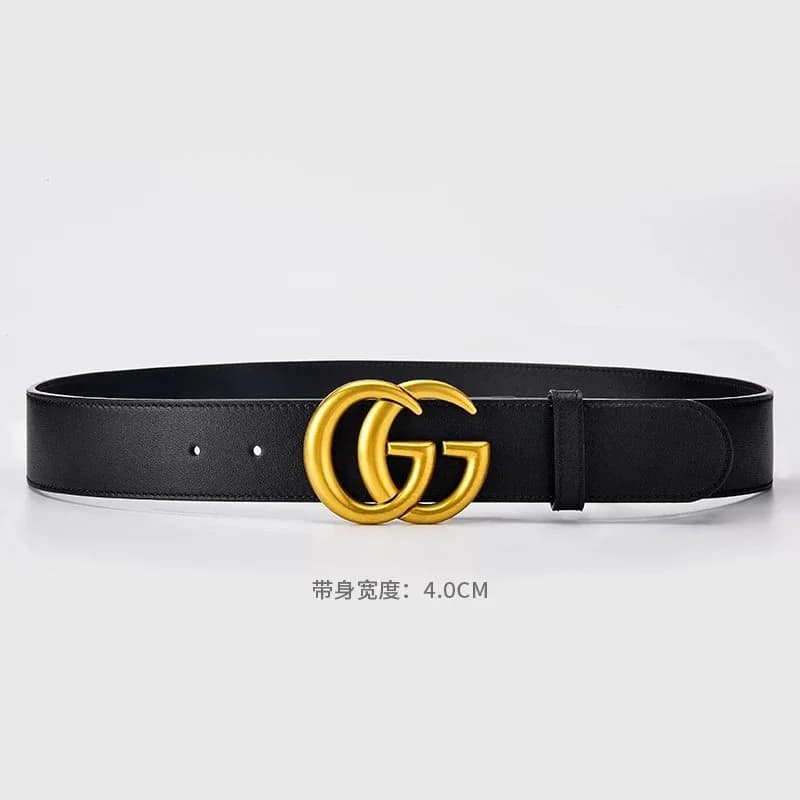
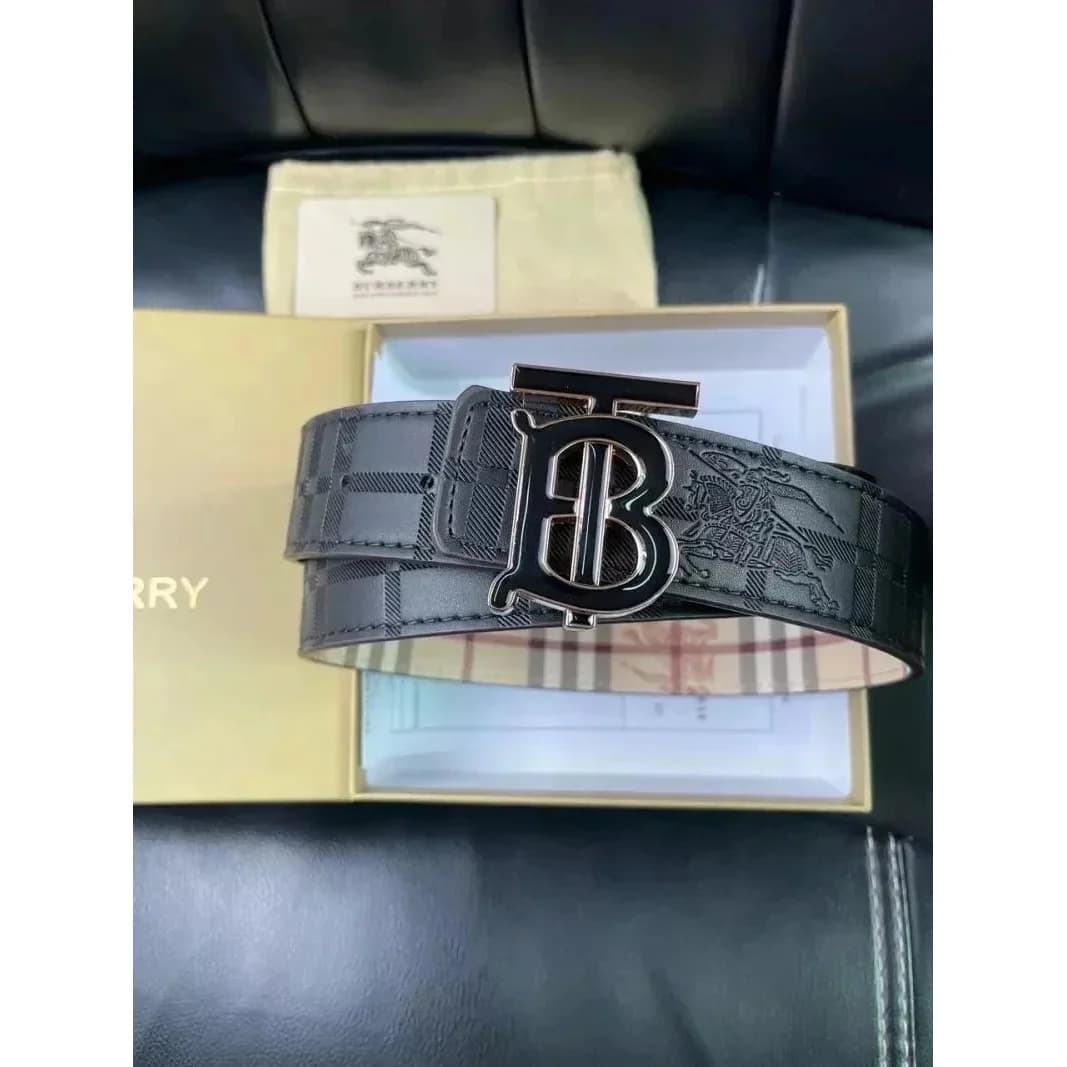
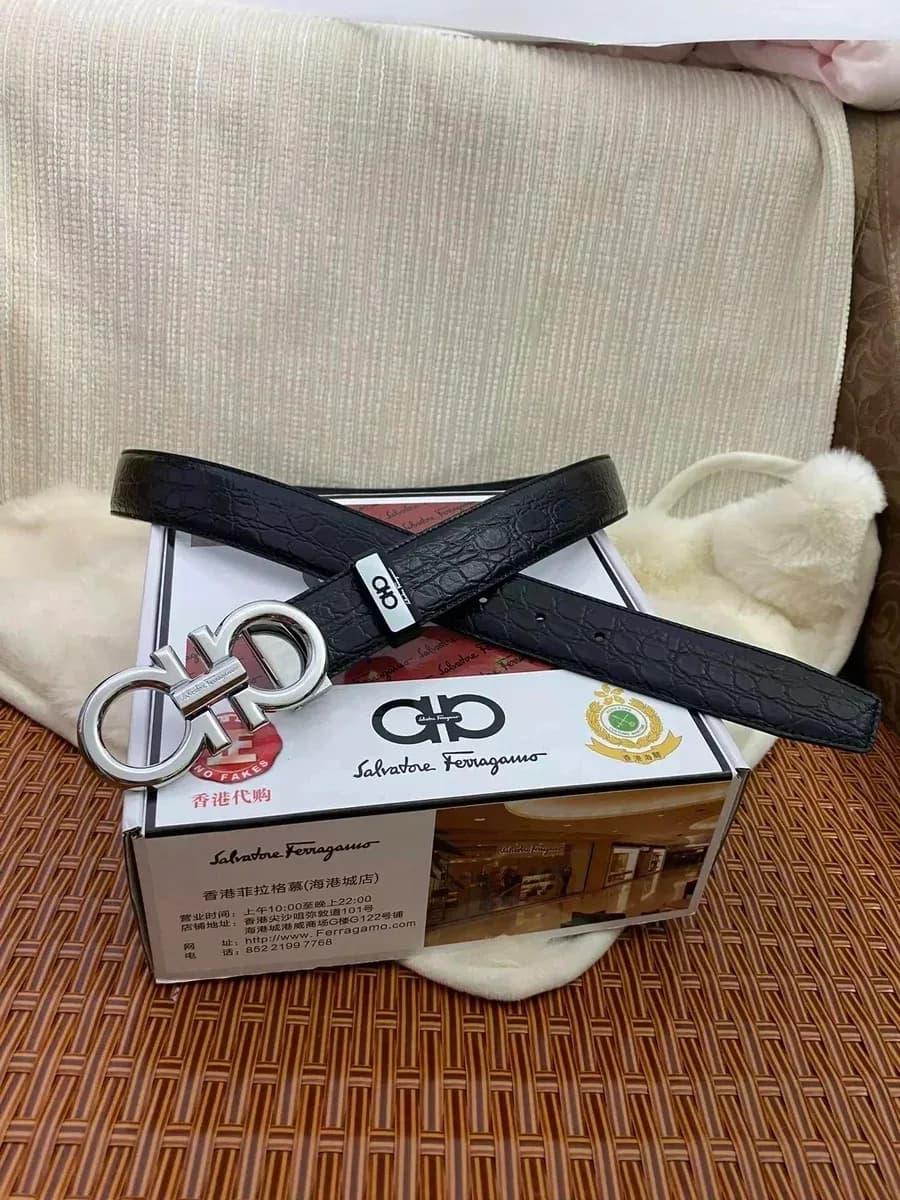
Salvatore Ferragamo Black Croc Texture Belt with Gancini Buckle
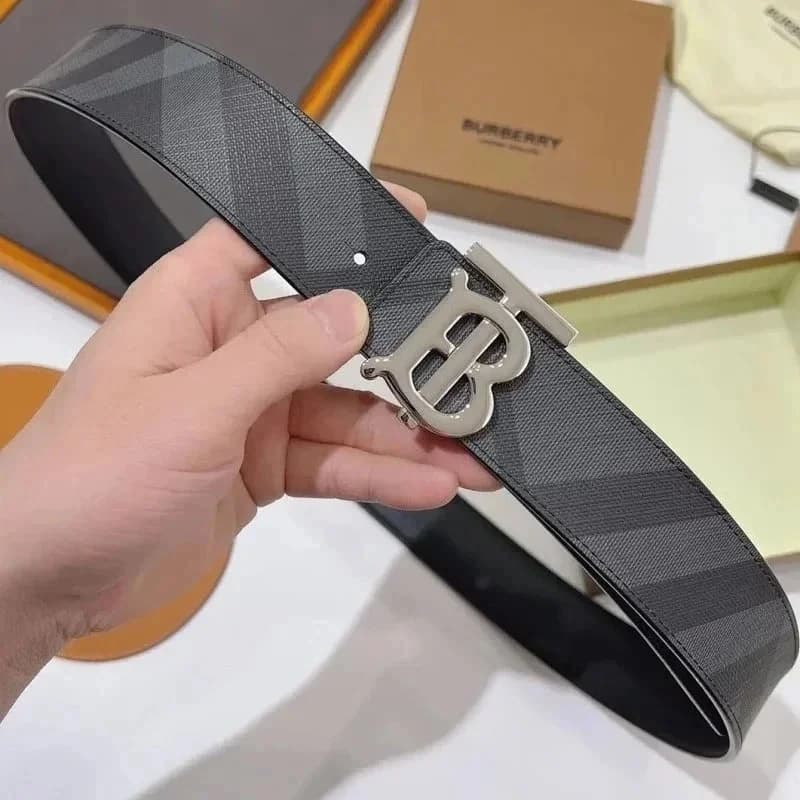
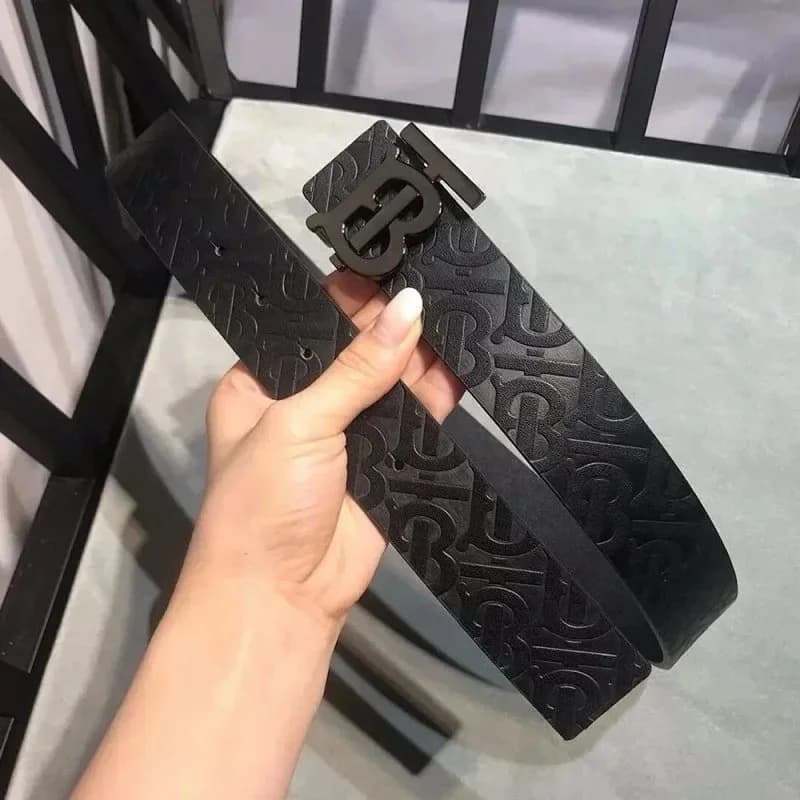
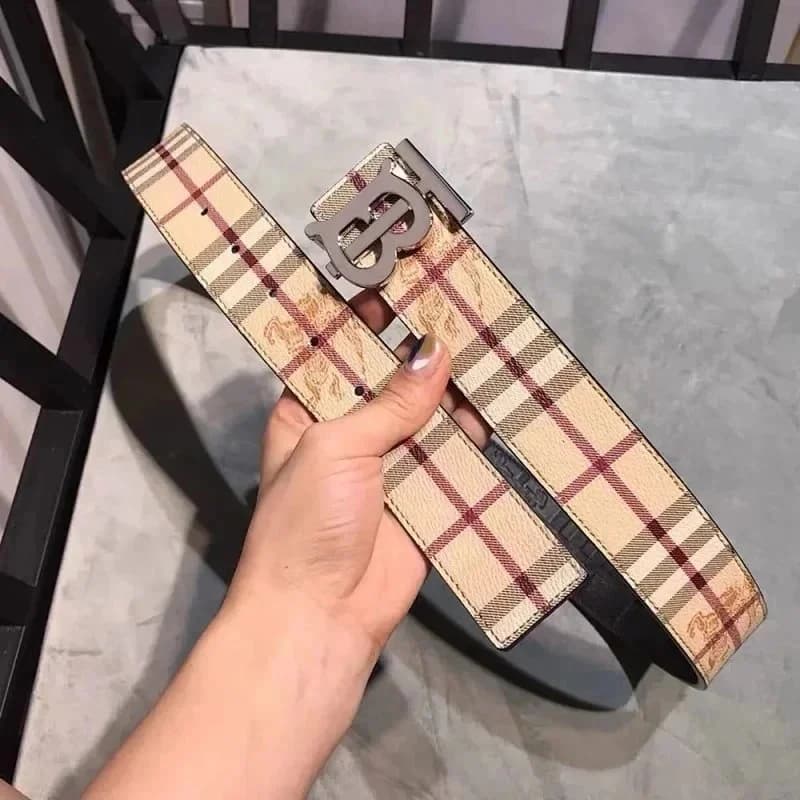
Burberry
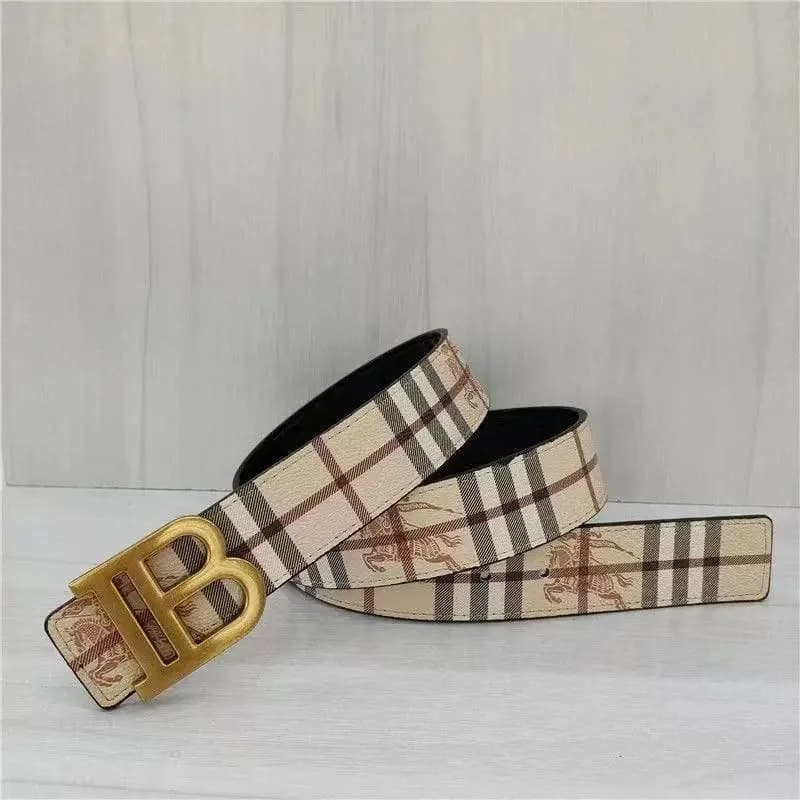
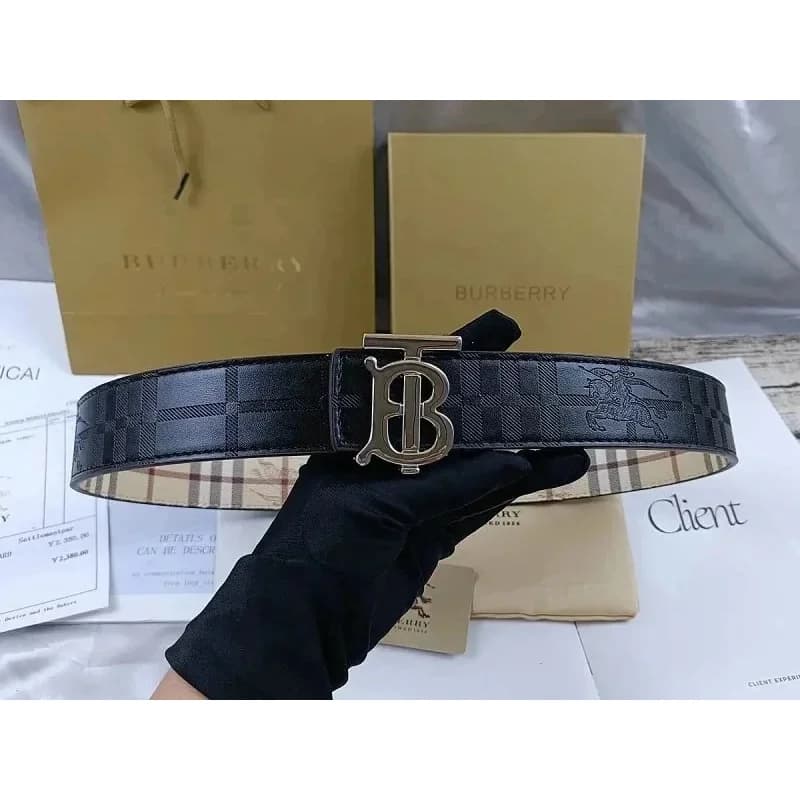
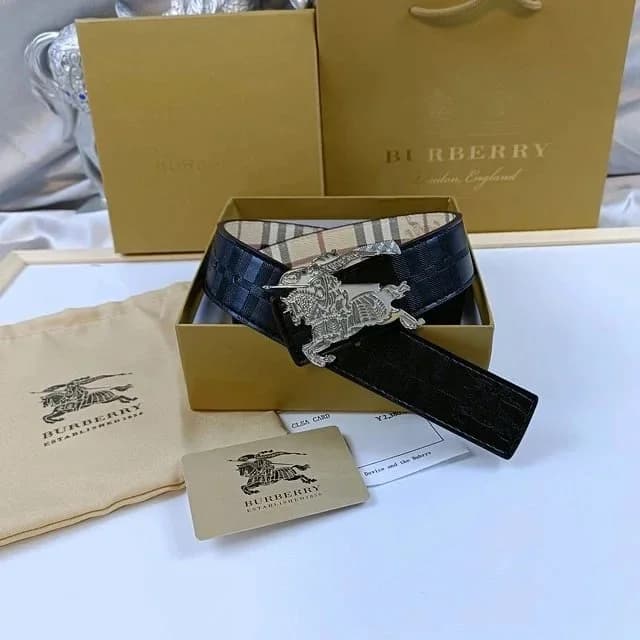
Burberry Vintage Check Belt
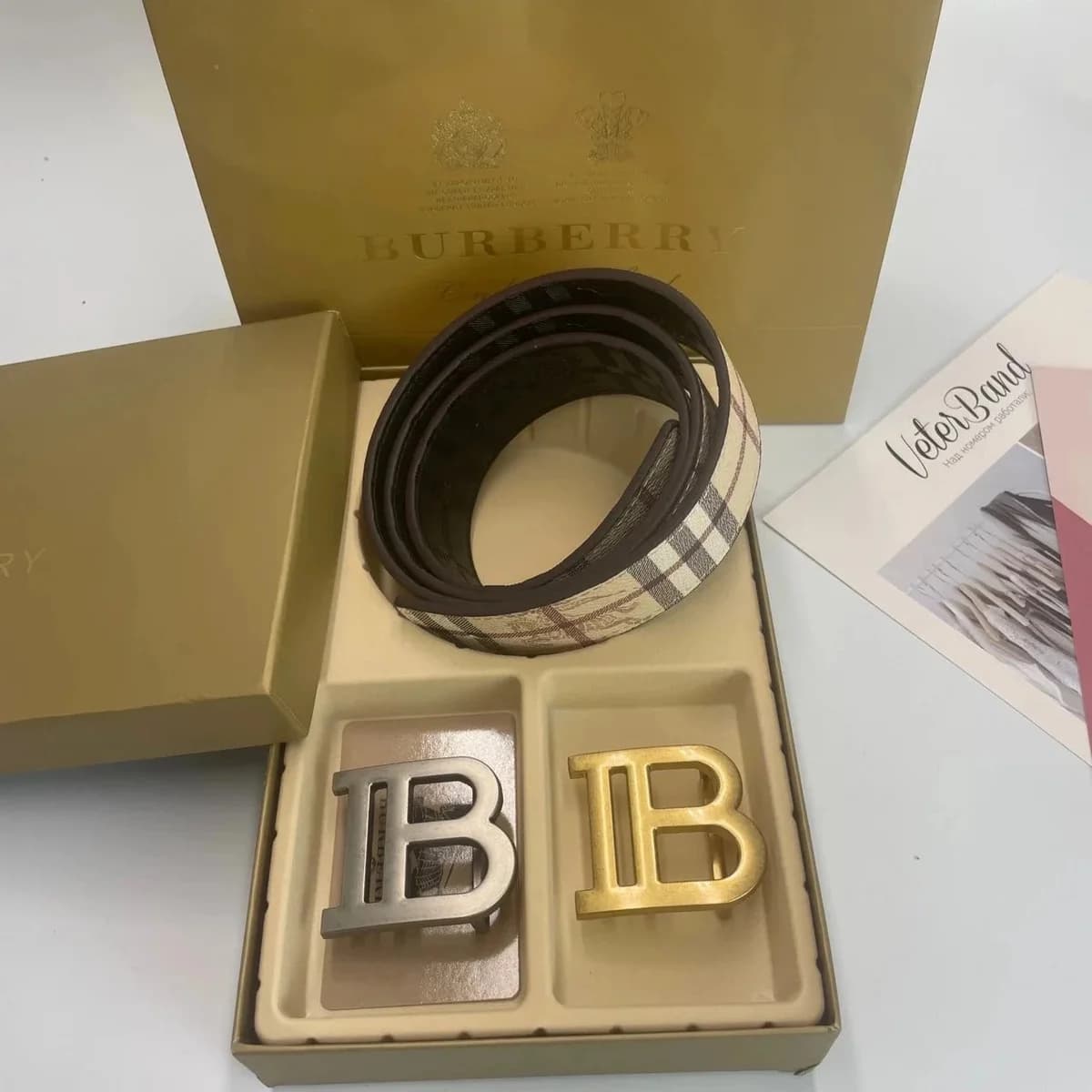
Showing 12 of 80 finds in this local snapshot.
What this accessory lane is for
Belts and small leather are high-intent Hipobuy spreadsheet accessories because they finish an outfit without the freight pain of shoes. Shoppers searching this lane usually want buckle style, GG or monogram patterns, and length options they can confirm before topping up a wallet.
Quality variance is wide. Use warehouse QC for stamp clarity, hardware weight, stitch evenness, and leather edge paint. A pretty listing photo is not a GL. If the seller offers multiple lengths, put the choice in remarks and re-check the QC set.
Risk notes for US/EU haulers
Accessory categories can attract extra customs attention depending on your country and declared value. That is not a reason to panic—it is a reason to pick lines carefully and avoid stuffing a parcel with mixed high-signal logos if you are new to agent shipping.
Keep shortlisting here, then complete payment plus warehouse tools on Hipobuy. This site stays a directory and guide, not a checkout page.
Related guides: Find products · Submit order · QC photos · Fees & FX · Hipobuy shipping guide
How to browse Hipobuy Spreadsheet accessories
Verify buckle photos and length options on the live listing, then paste the product URL into Hipobuy. Accessory thumbnails hide stamp clarity and edge finishing.
Small leather often consolidates easily, but customs rules and restricted-brand risk still vary by destination and shipping line—read line notes before you submit.
For shoe-heavy or bulky lanes, read Hipobuy shipping guide before you consolidate.
Hipobuy Spreadsheet Accessories FAQ
What is a Hipobuy spreadsheet for belts and accessories?
This accessories lane focuses on Hipobuy spreadsheet belts and small leather goods from Weidian, Taobao, and 1688—buckle style and length matter more than the thumbnail. Browse summaries here, open the live listing, then paste the full product URL into Hipobuy. This directory does not take payment.
How do I size a Hipobuy spreadsheet belt?
Check seller length options and buckle photos on the live listing, put your choice in remarks when variants exist, then re-check length and hardware in warehouse QC. Spreadsheet cards rarely show usable measurements.
What should I QC on Hipobuy spreadsheet belts and small leather?
Use warehouse photos for stamp clarity, buckle/hardware weight, stitch evenness, and leather edge paint. A pretty listing photo is not a GL. The QC photos guide covers asking for clearer shots when the first set is weak.
Do Hipobuy spreadsheet accessory prices include shipping and FX?
No. Preview ~$ figures are browse-only and exclude wallet FX markup plus international freight. Small leather consolidates easily, but totals still matter—see the Fees & FX guide.
Are Hipobuy spreadsheet accessory rows higher risk for customs?
Rules vary by country, declared value, and shipping line. That is a reason to read line notes and avoid stuffing a first haul with mixed high-signal logos—not a reason to skip QC. Confirm destination options inside Hipobuy before you submit.
Can I add a Hipobuy spreadsheet belt to an existing warehouse order?
Yes if items are still in storage—order the belt through Hipobuy, QC it, then consolidate before you submit the parcel. Keep discovery on this directory separate from checkout.